You can protect your M365 access with conditional access rules, but do you know how to verify if your access tokens are properly protected by continuous access evaluation or usable outside your company?
This article will show you a simple way to test whether you need to enforce your M365 security.
Conditional access and continuous access evaluation
Conditional Access (CA) is a system that allows you to set rules to permit or deny the granting of access tokens, refresh tokens, access codes, etc.
Continuous Access Evaluation (CAE) allows validation of the security context each time an access token is used.
An access token may or may not include the CAE option. It is to the requestor to specify they want an access token with the CAE option. Technically, this CAE field is xms_cc={CP1}.
Example using the Exchange online and Outlook application
We decided to run a test using the Office 365 app (including Exchange).
First, we targeted a user with a Conditional Access rule that only allows sign-in from a specific location (user with E5 license).
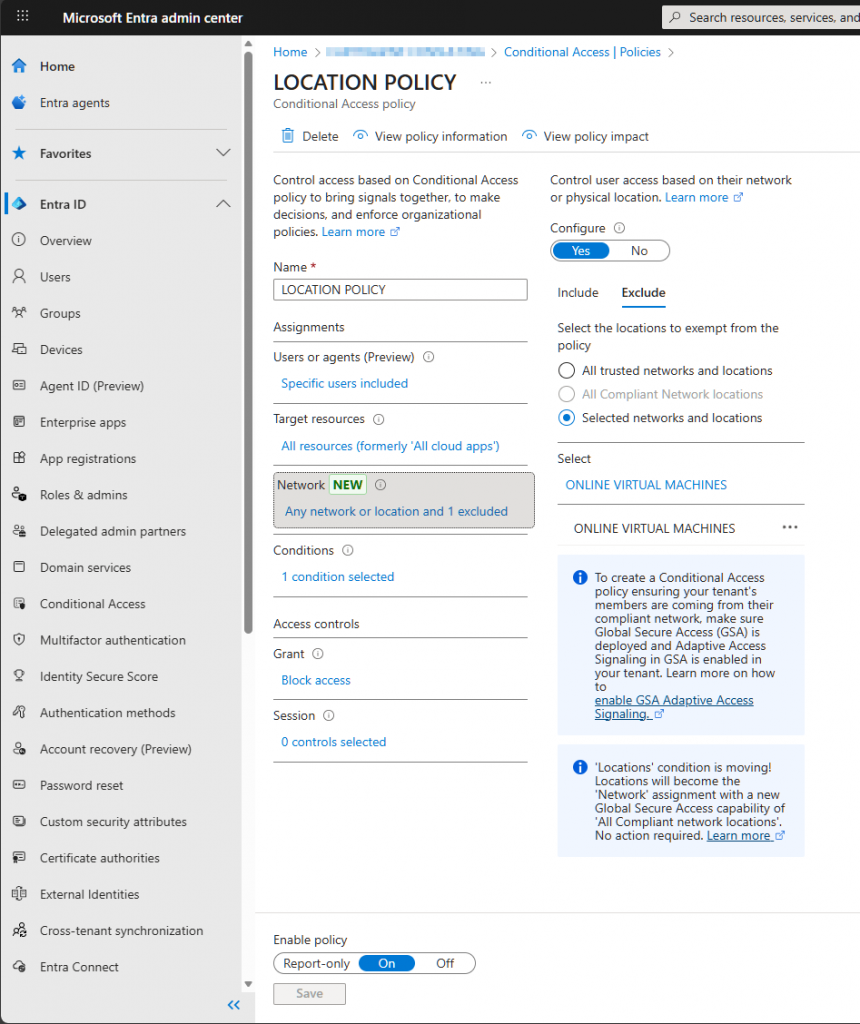
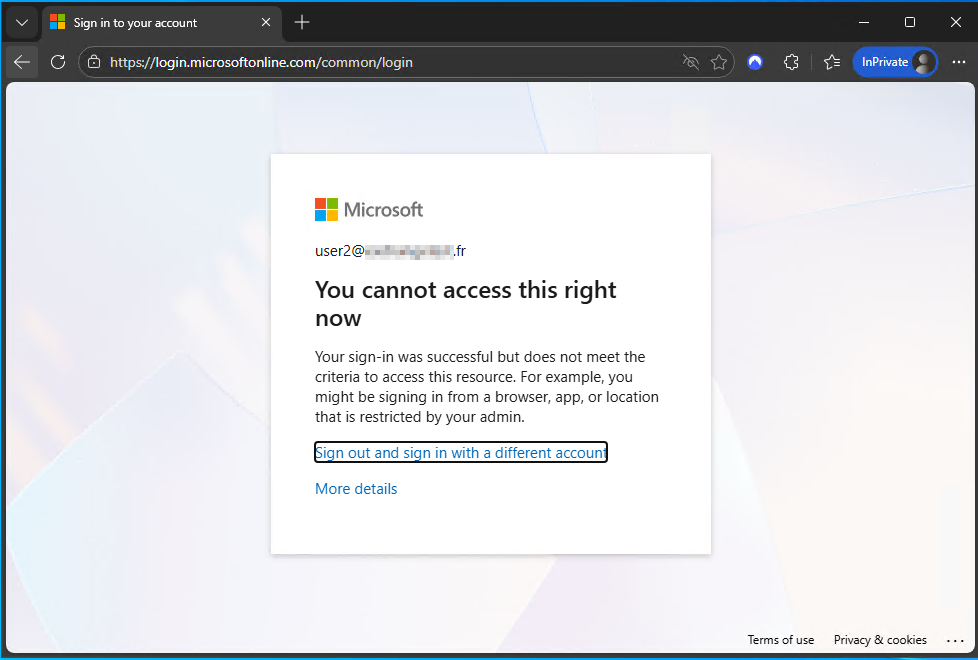
When we tried to sign in from a denied location, the error message isclear, and the connection stopped—the access token request didn’t go through.
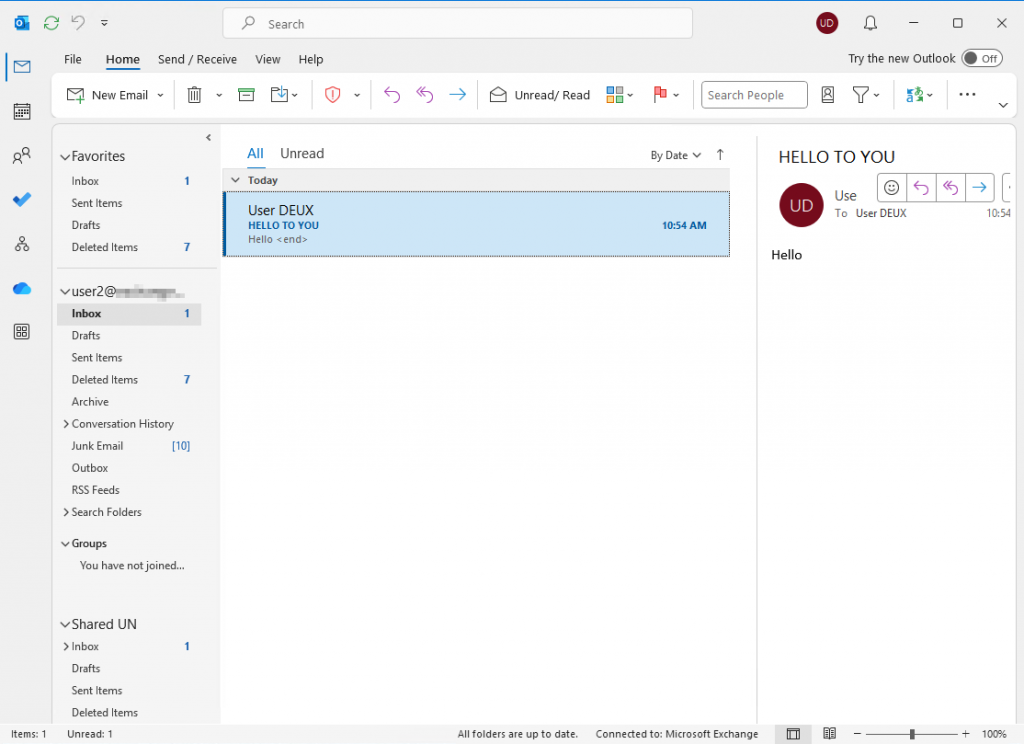
On the trusted location we have no issue for connecting and we can use Outlook (classic):
Next, we checked the access tokens requested by Outlook and noticed that Outlook always asks for tokens with the Continuous Access Evaluation (CAE) option enabled (the token contains xms_cc={CP1}). You can use a lot of product for capturing this token…
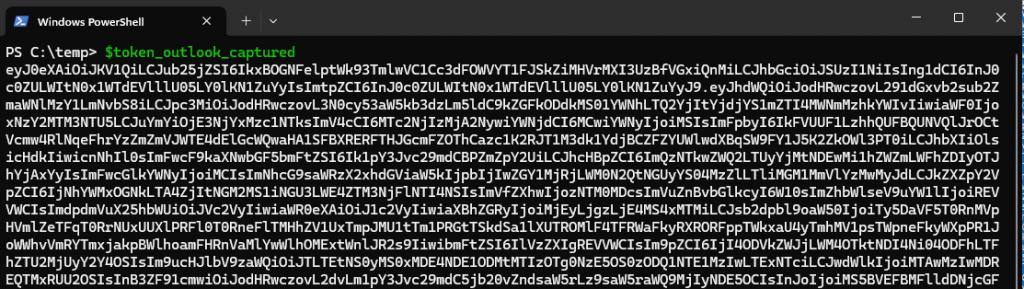
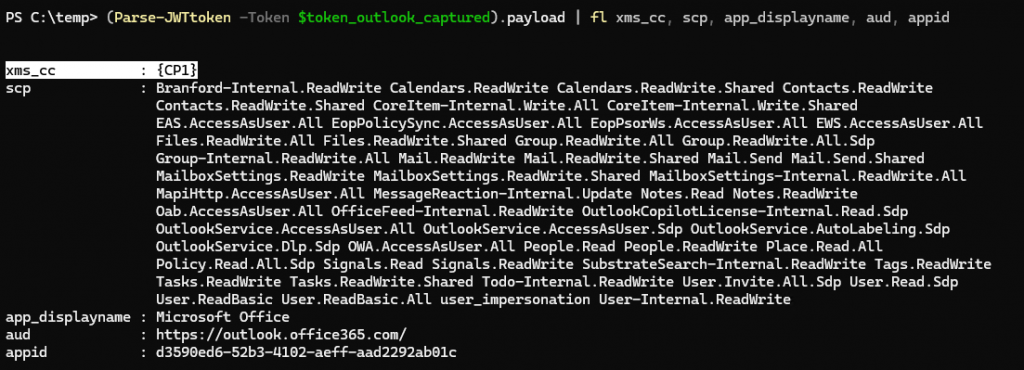
We noticed that this access token has quite a few permissions, including Graph Mail.ReadWrite and Files.ReadWrite rights. We tried to use this access token to access users’ OneDrive from an external location where access is normally blocked. The attempt failed because the token didn’t work outside the network. Continuous Access Evaluation (CAE) blocked the request since Microsoft 365 checks Conditional Access (CA) rules whenever the token is used.
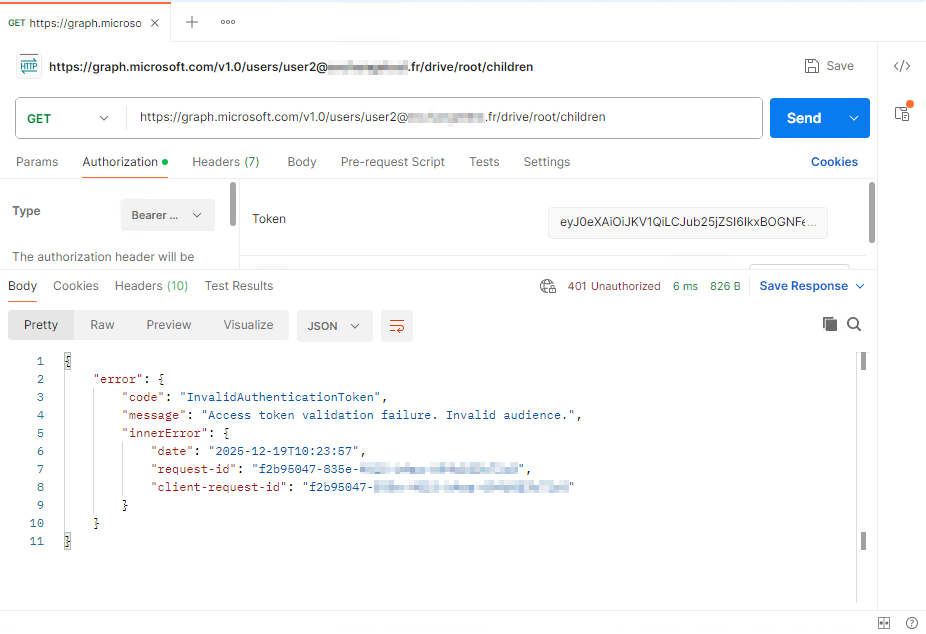
But what would happen if, instead of trying to steal this access token, we tested generating a new one on behalf of the Outlook application without enabling the CAE option? Would this new access token be usable from an external location and allow us to bypass Conditional Access rules? To find out, keep reading..
Bypass CA rule when requesting access token without CAE option
We request an access token from a device that complies with the Conditional Access rules but without the CAE option. Since the classic Outlook application is a multi-tenant app that isn’t protected by a secret or certificate, we can easily request an access token on behalf of this app. All we need is the appid, which is simple to find and is the same across all Microsoft 365 tenants because it’s a multi-tenant application (the appid is on the token above).
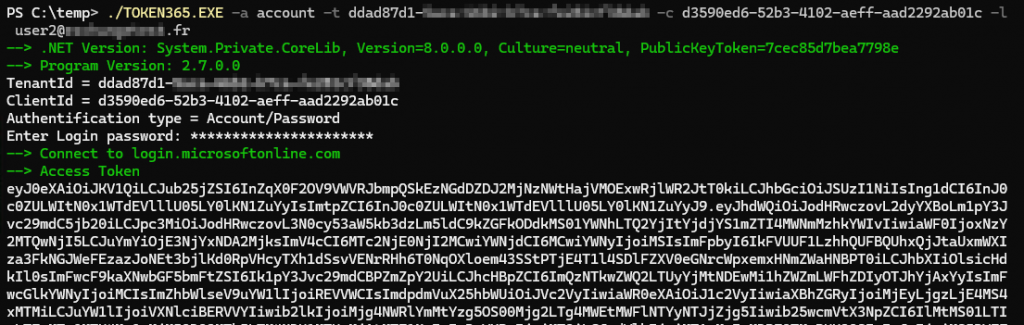
To do that, I use my free tools token365 and code365.
With token365, the -e option adds CAE to the request. So, we’ll make a request without using -e. If I have SSO or MFA, I first use code365 to generate a code and then pass it to token365. I use the graph scope “https://graph.microsoft.com/.default”
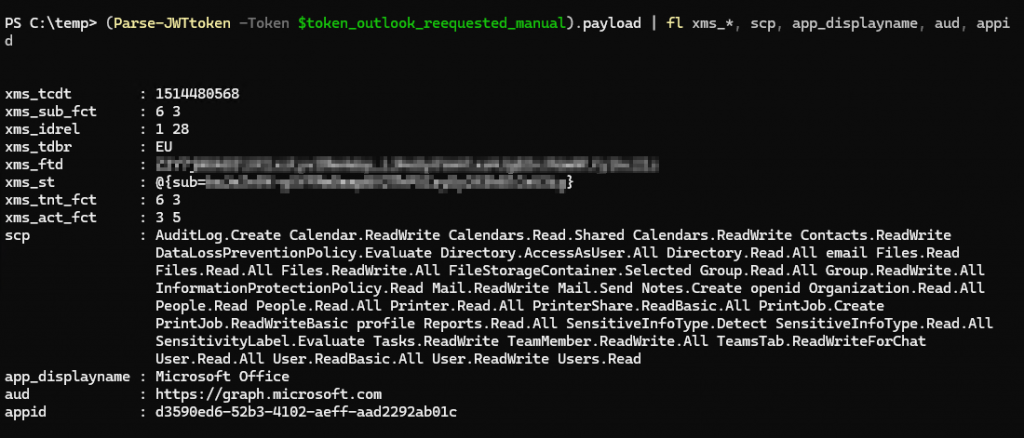
We can then analyze this access token to check its permissions and confirm that it doesn’t include the CAE option. The field xms_cc is not present.
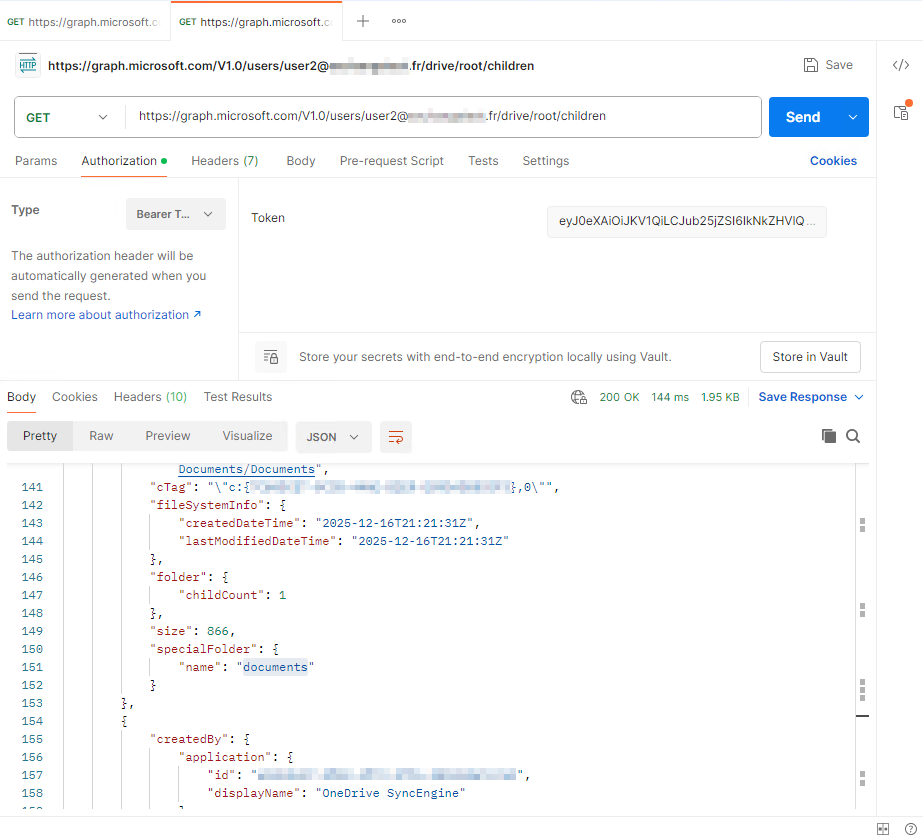
Next, we test accessing the user’s onedrove through Graph from outside the location allowed by the Conditional Access rule.
The bad news: it works😱.
Conclusion
For resuming:
- By requesting an access token without CAE option on a computer where it is allow to do it (with a script) on behalf of Outlook, I can bypass Condiontal Access rules and access my Microsoft 365 datas from outside the company : directory, email and drive contents.
- This can be done without admin permission, with a script, a malware, a malicious code, or a malicious URL.
So, security based only on Conditional Access rules is not enough. You need to protect token requests (Conditional Access rules) and also secure how those tokens are used (Continuous Access Evaluation and Token Protection).
By Lionel TRAVERSE
Microsoft 365 Certified / MVP Microsoft 365 & Graph